Reduce
Screen Time
Without
Blocking Apps
See how long you have been going, get a nudge when your time is up, and decide what happens next. No locked screens, no workarounds, no shame spiral.

See how long you have been going, get a nudge when your time is up, and decide what happens next. No locked screens, no workarounds, no shame spiral.
A different approach
Blocking apps sound good in theory. In practice, you turn them off the moment they get in the way, and then feel worse about it.
Break Check brings your screen time down without blocking a thing. You see exactly how long you have been on, get a nudge when your session ends, and choose what to do next. Over time, that awareness is what actually changes behavior.
Not just screen time
Doomscrolling, binge watching, gaming, the gym, shopping, reading, a bathroom break that got away from you. If you can start it and stop it, you can put it on a timer.
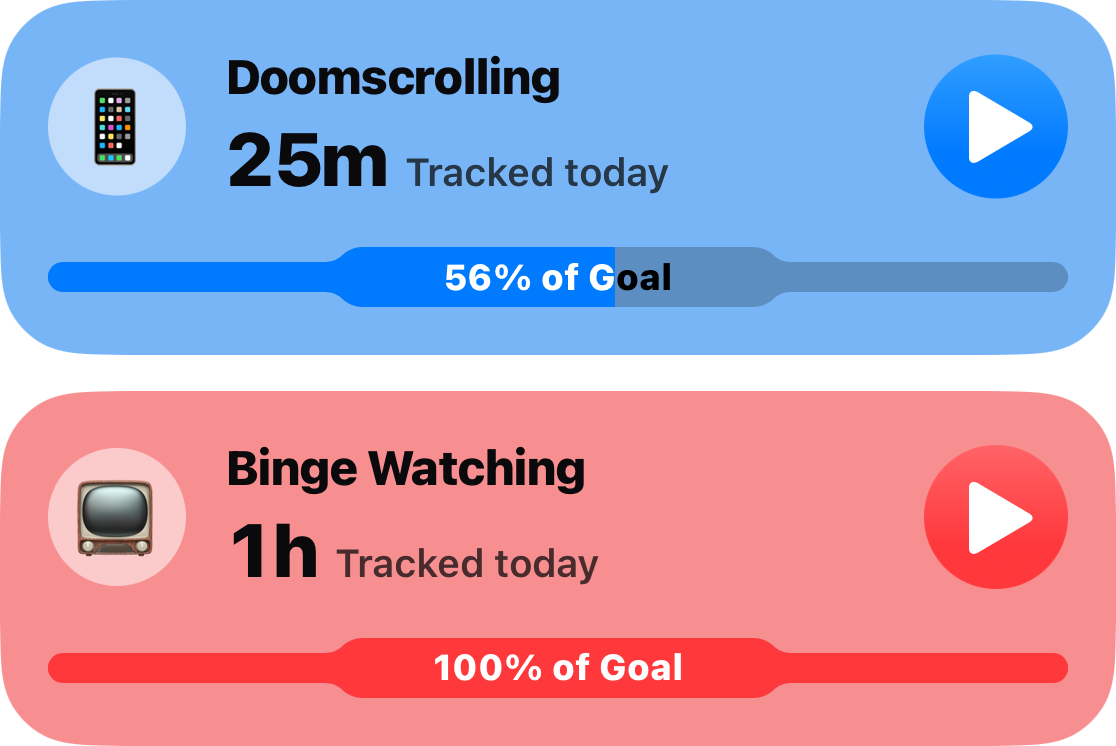
Set a session length and a daily limit for any habit. Every day you meet your goal adds to your streak, and every session is recorded on its own, so you see patterns across the day rather than one number that is easy to ignore.
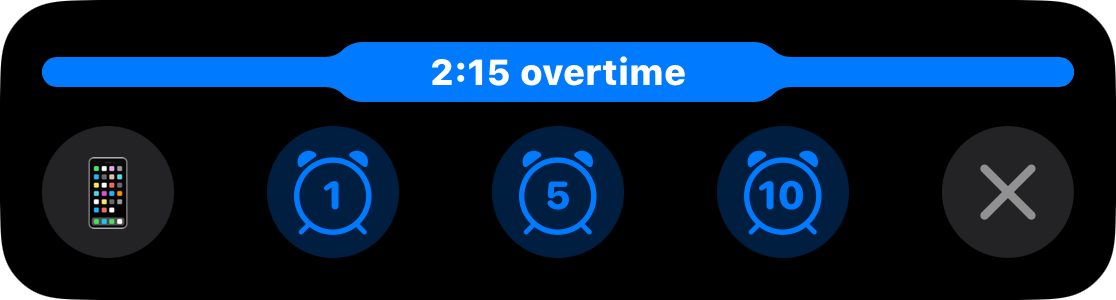
A gentle notification lets you know, and the timer keeps counting so you always know where you stand. Need longer? Add a few minutes with one tap. The app never locks you out or forces a choice that makes you resent it.
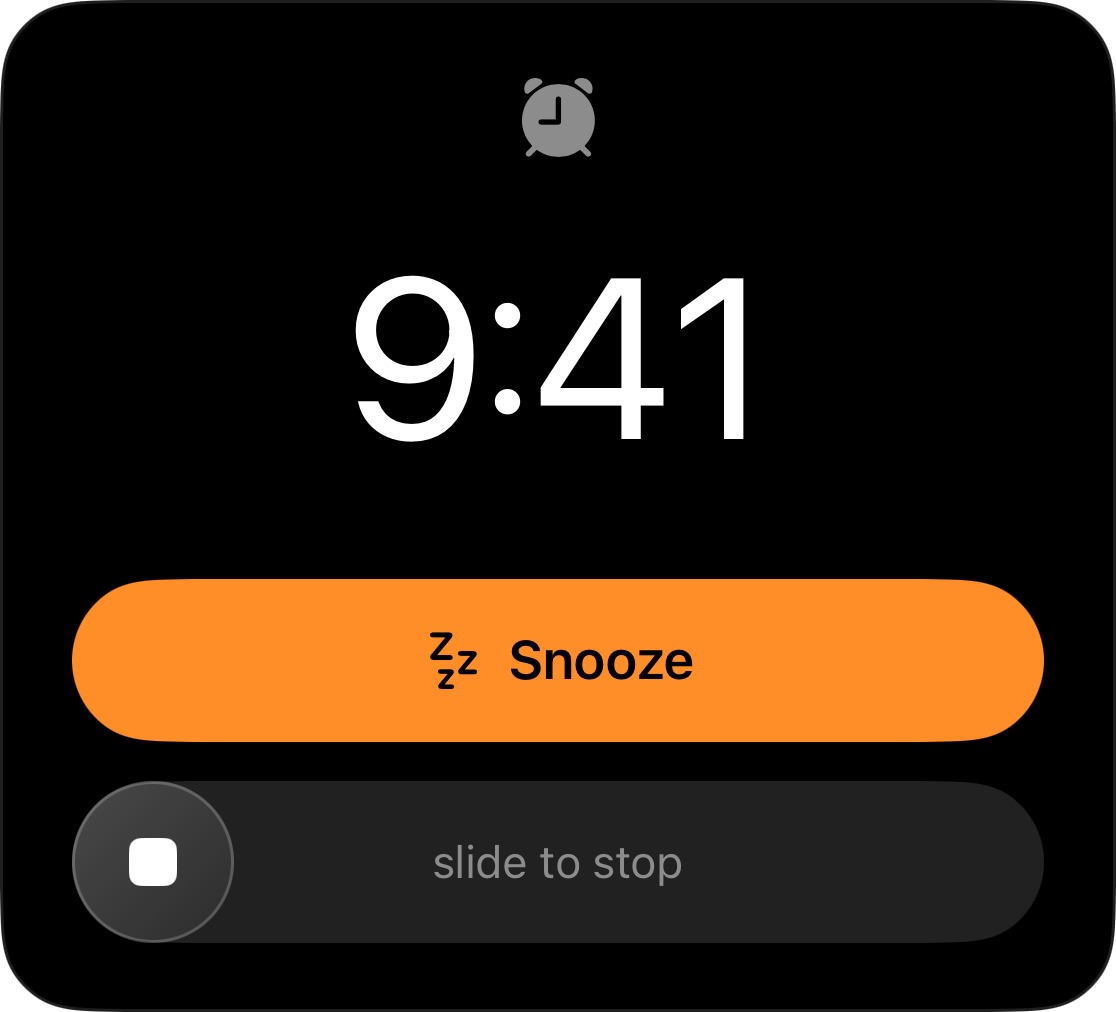
For a habit that needs a harder line, end the session with a full alarm instead of a nudge. It gets through silent mode and Focus. You choose the intensity per habit, not for everything at once.
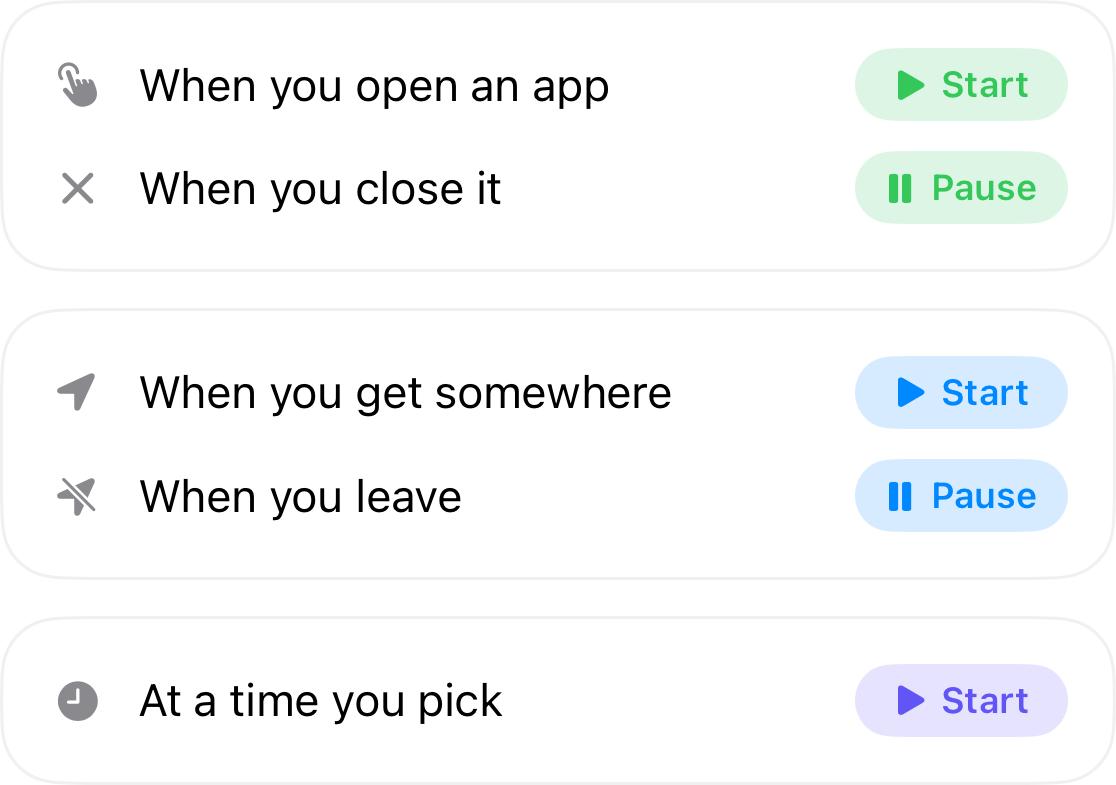
Timers can start and stop on their own: when you open an app, when you arrive somewhere, or at a time you pick each night. Your social apps can run their own timer. The gym one starts when you walk in. Setup takes about a minute.
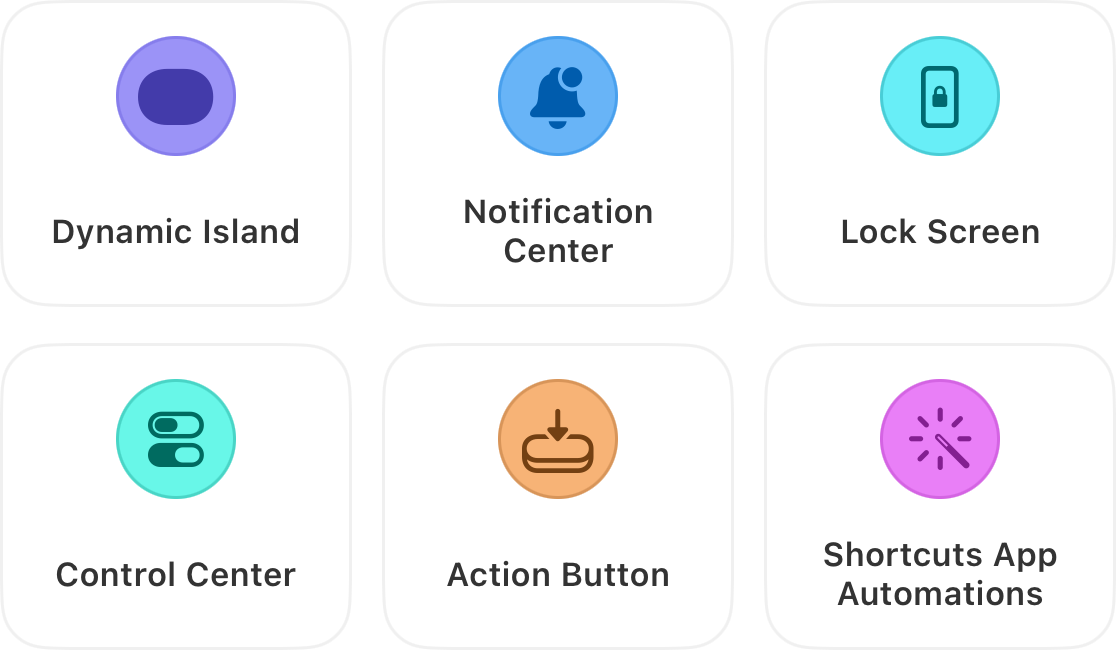
It sits in your Dynamic Island, Notification Center and Lock Screen, so you can check it or pause it without opening anything. Start one from Control Center, your Action Button, a Home Screen widget, or a Shortcuts automation.
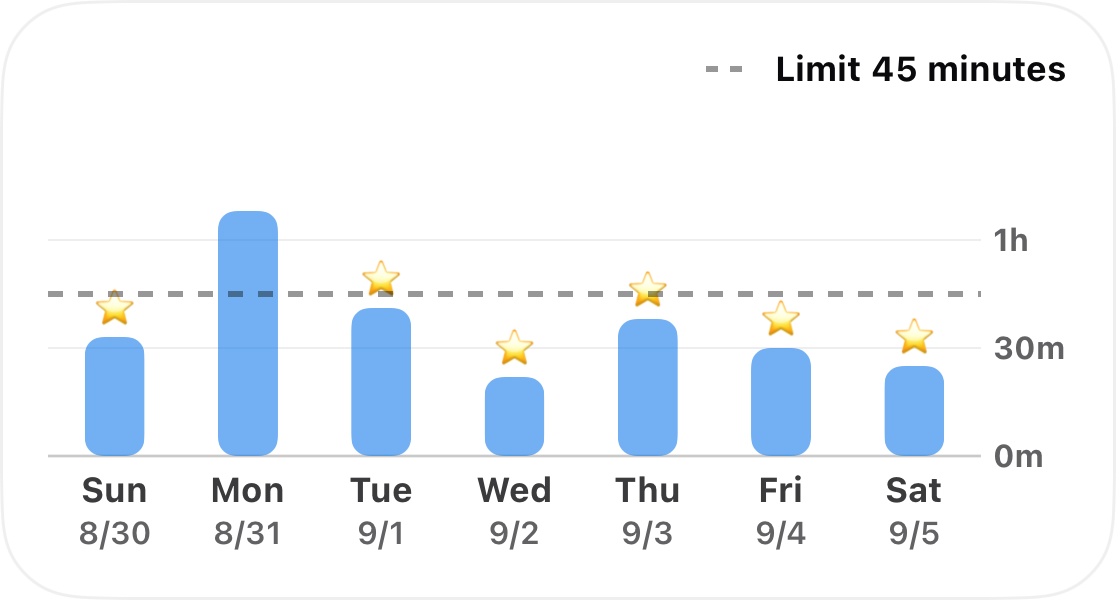
Switch between day, week and month to see how close you are to your goal and when you reach for your phone most. Because your time is kept as real sessions rather than one daily total, you can find the hour you did not know you were spending.
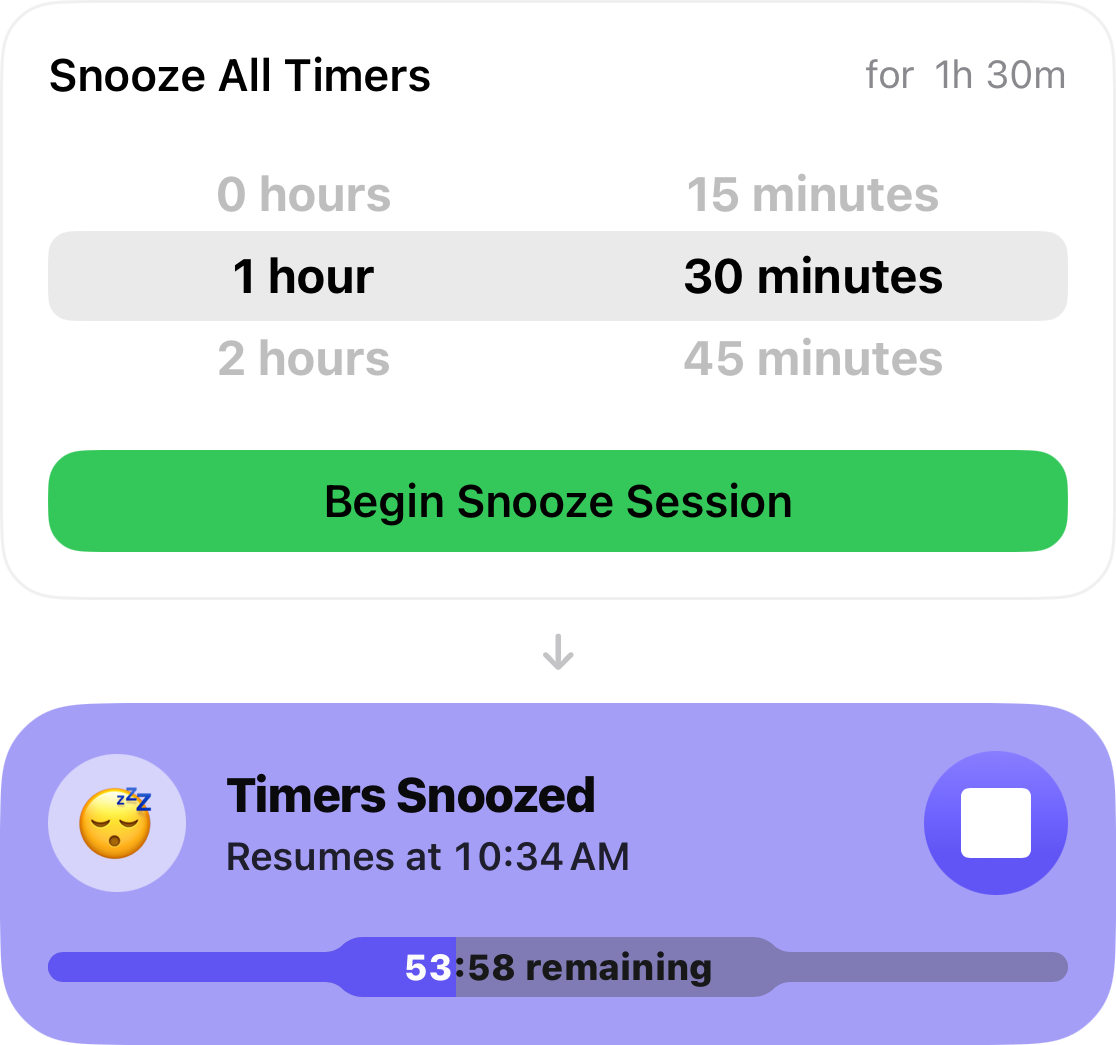
Waiting at the doctor? Long train ride? Snooze every timer at once and take a guilt free break, with a clear countdown until normal tracking resumes. No streak broken, no pressure.
Private by design
Break Check never asks for Screen Time access and never sees which apps you open. There is nothing to sign up for, and your habits stay on your own devices.
Pricing
Not a trial. Track one habit at no cost, with no countdown to a paywall.
Monthly, yearly, or a one-time purchase that is yours forever.
Put one habit on a timer tonight and see where the time actually goes.
Your first timer is free for as long as you like. Unlimited adds a timer for every habit, full alarm alerts, and the button that snoozes them all.
Questions first? Visit Support